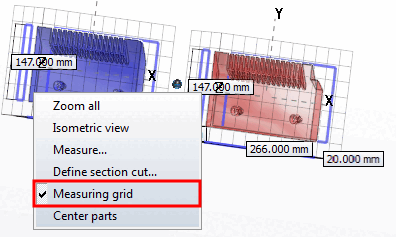
![Context menu "3D comparison [3D comparison] "](https://webapi.partcommunity.com/service/help/latest/pages/cn/partsolutions_user/doc/resources/img/img_72a0460e1ead4432b80e1de66d58a669.png)
You will find the following menu items in the context menu of the 3D comparison:
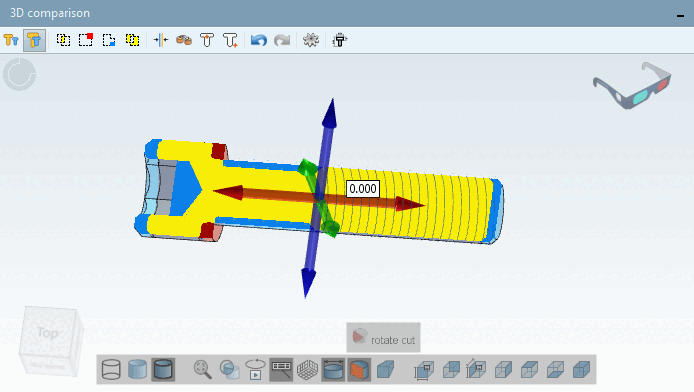
Define cutting plane. [Define section cut...]..: See Section 2.1.7.6.7, “ Define section cut... ”. (The functionality is the same as in the part view [Part view] )
The component differences are immediately recognizable in the section plane. You can select the colors under Settings
 .
. Measure. [Measure...]..: See Section 2.1.7.6.3, “ Measuring 3D parts ”. (The functionality is the same as in the parts view [Part view] )