|
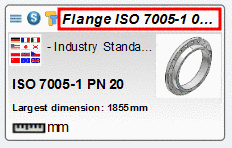
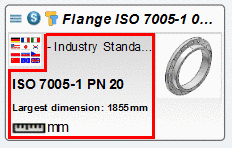
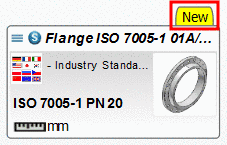
As of PARTsolutions V9.08 the layout in view mode Symbols
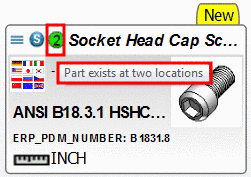 has been redesigned. The single folders and
projects are displayed in tiled view. Information on standard name,
standard text, date, unit and icons such as report icons, qa-seal,
etc. is displayed.
has been redesigned. The single folders and
projects are displayed in tiled view. Information on standard name,
standard text, date, unit and icons such as report icons, qa-seal,
etc. is displayed.The view mode is available under Part selection on the tabbed pages Catalogs, Classes, Favorites, History, Analyses, Search results, furthermore in the Part view, in the dialog section Links.
If under PARTadmin -> ERP environment -> Roles -> Status colors for catalog index conditions have been entered (details on this under Registerseite Allgemein), then in the Symbols view mode not only colored folder and project icons are displayed, but additionally colored bars.
After a geometric search, under Search results, at each part, the percentage of geometric similarity is displayed.