|
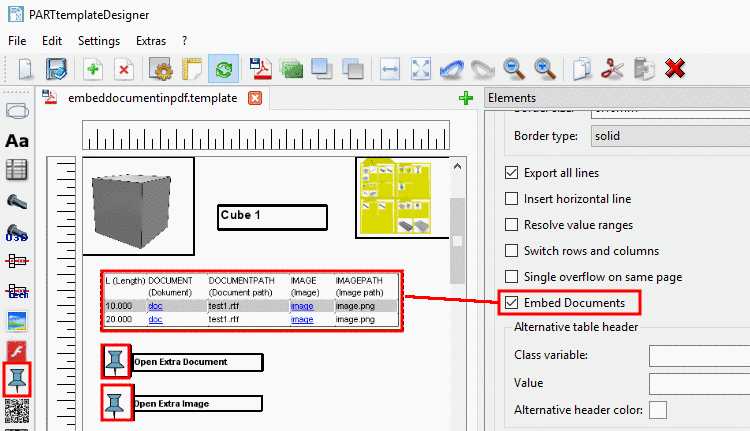
As of V11 SP5 you
have the possibility to embed any files (images, text, Excel, etc.) in a
PDF datasheet. The datasheet can be exported
both in PARTdataManager
 and in PARTcommunity
  .
.
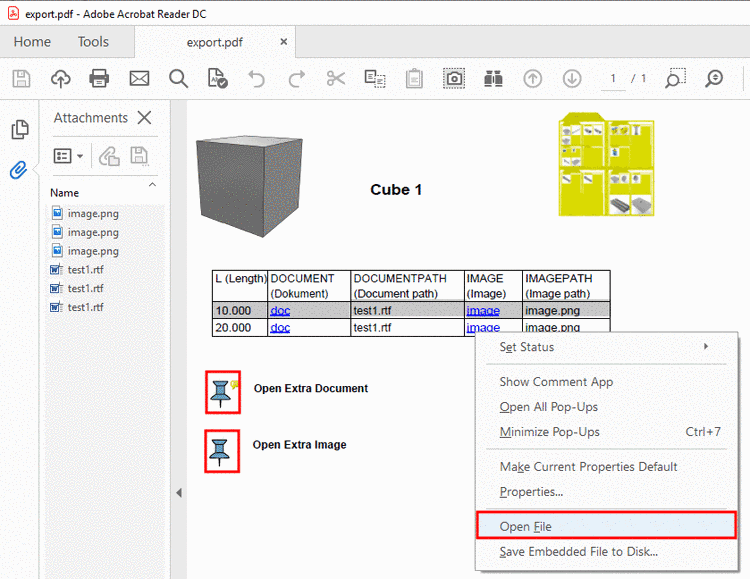
For calling a document in the PDF there are two options:
For this you can find the corresponding functionality in PARTtemplateDesigner.
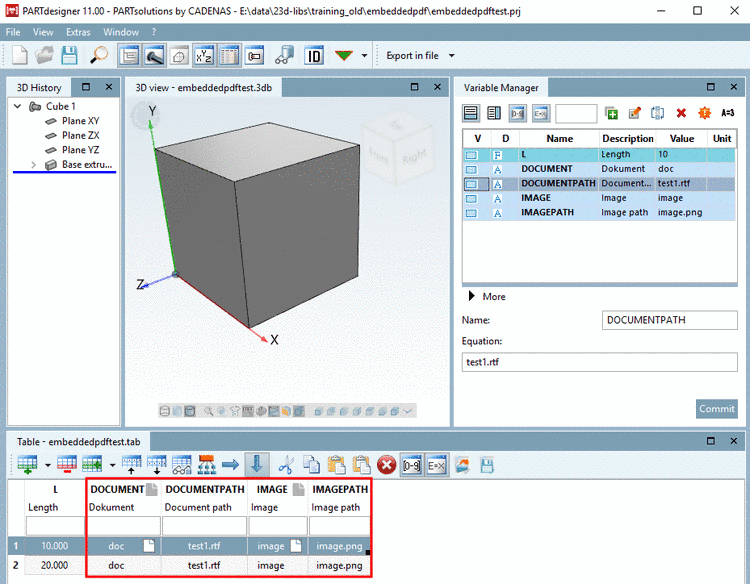
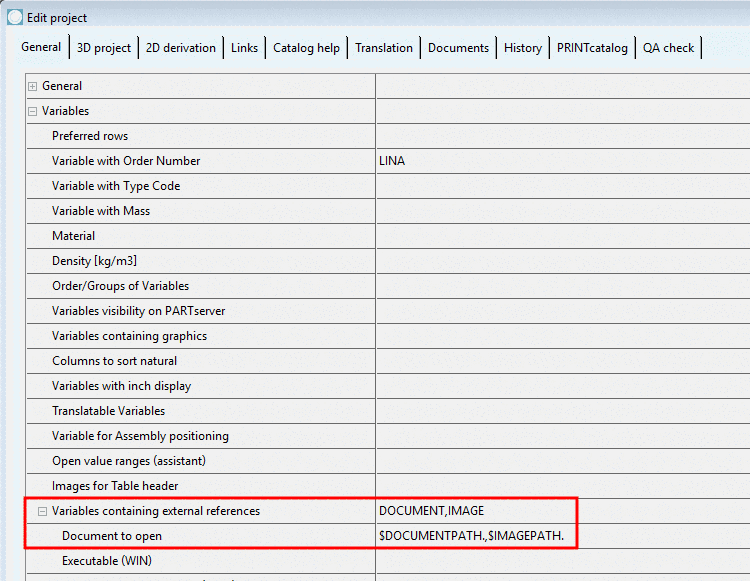
Precondition: The required files should be stored in the catalog ( in simplest case in the respective project directory). The paths have to be relatively to the path of project file.[12]
![[Note]](https://webapi.partcommunity.com/service/help/latest/pages/cn/partsolutions_user/doc/images/note.png)

Using the function
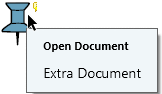
Embed  you can place a pin icon in the template, by which
the embedded file can be called in the PDF later. The file path has to be
entered under Elements ->
Embed file -> Directory.
you can place a pin icon in the template, by which
the embedded file can be called in the PDF later. The file path has to be
entered under Elements ->
Embed file -> Directory.
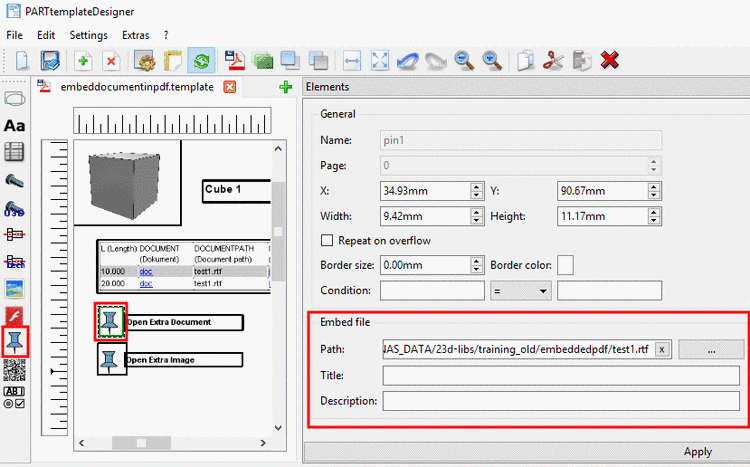
Title and Description will be displayed as tooltip in the PDF. Alternatively, you can place normal text via text box beside the icon (see above).