|
The possible combinations resulting from resolving of yellow fields can be huge and extremely increase the index. That's why the allowed number of variants per catalog and per project is restricted by configuration file.[64]
Furthermore, in PARTproject, it can be set, whether order numbers shall be indexed depending on value ranges.
Restriction of resolving of yellow fields
The maximum number
of allowed possible combinations, which result from values of value range
variables (yellow fields), can be restricted in the configuration file
partsol.cfg. The setting
applies for all catalogs.
MaxProjectResolveRangemeans, the stated number of variants must not be exceeded per project by the resolving of value ranges.MaxProjectResolveRange=25000 (default)
MaxCatalogResolveRangemeans, the stated number of variants must not be exceeded per catalog by the resolving of value ranges.MaxCatalogResolveRange=50000 (default)
If one of these limits is exceeded, then no variants are indexed for the whole catalog.
Indexing order numbers depending on value ranges: Setting options catalog and project specific
In PARTproject -> Edit project -> tabbed page General -> Search index creation -> Index order numbers dependent on value ranges, specific settings for single catalogs or projects can be performed, if order numbers shall be indexed depending on value ranges.
Setting options on catalog level:

![[Note]](https://webapi.partcommunity.com/service/help/latest/pages/cn/partwarehouse/doc/images/note.png)
On catalog level,
the key VARSEARCHRESOLVEORDERNO is in
$CADENAS_DATA/23d-libs/<catalogname>/dir.prj.
Setting options on project level:
The catalog setting can be overwritten per project. Unless Use catalog setting is set, then the catalog setting is used. And this is the default.
On project level
the key VARSEARCHRESOLVEORDERNO is in the
project file.
![[Tip]](https://webapi.partcommunity.com/service/help/latest/pages/cn/partwarehouse/doc/images/tip.png)
Resolving value range fields by scripting
As of V11 SP4
there is a new search method Search for order number or type name 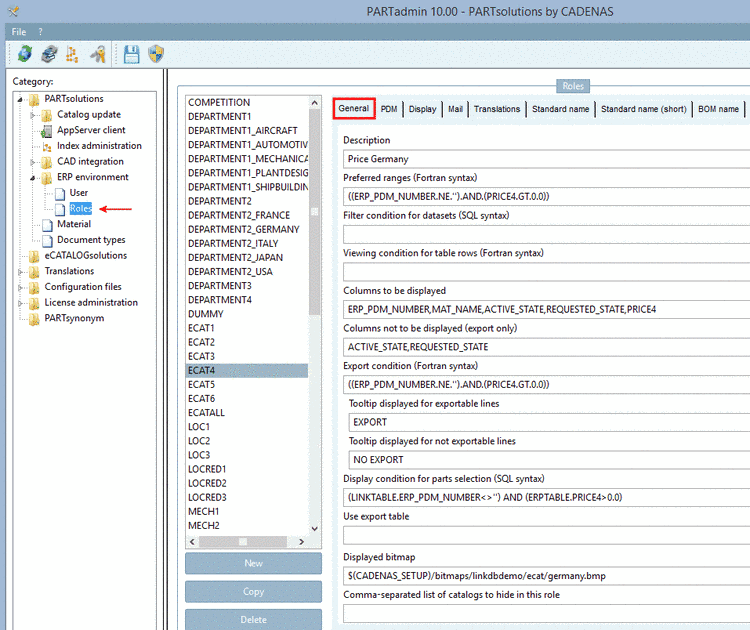 in addition.
At first this function searches for order number or type code via Lucene index. If nothing is found in this way, then a reverse search via script is executed. So a script for reverse search has to be created for a catalog, if the limits (see above) have been exceeded. If there are no value ranges in a catalog at all, then there is no need to create a script for reverse search.