PARTadmin -> Category -> PARTsolutions -> ERP environment -> Roles
The following can be optionally defined on the Display tab page:
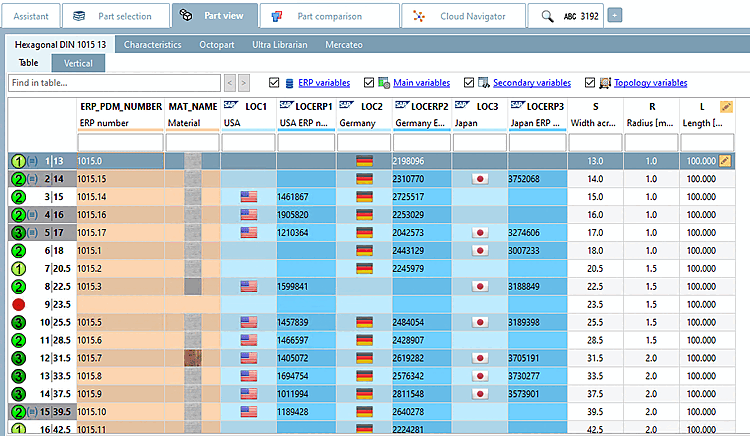
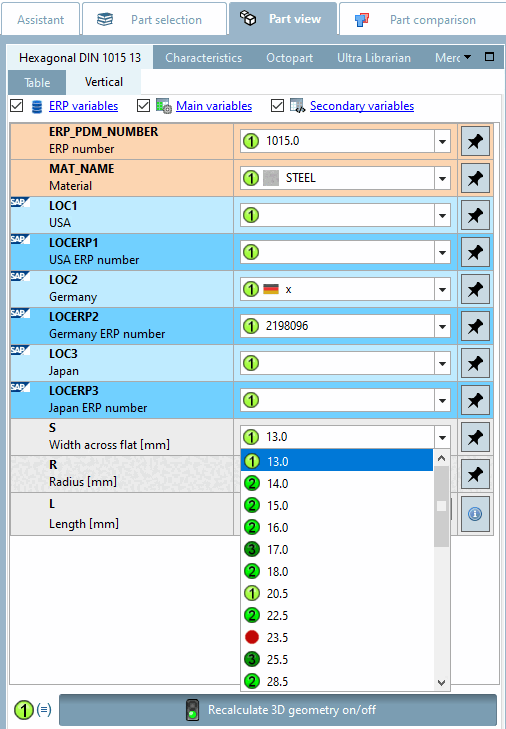
Status indicating bitmaps for table view
Define rules, with which status bitmaps / colors the individual characteristics in the table shall be marked.[16]
Details can be found under Section 7.2.1, “ Status icons for table - plinkgroups.cfg -> Block [<role name>] - key "BMPCONDITION<number>" ”.
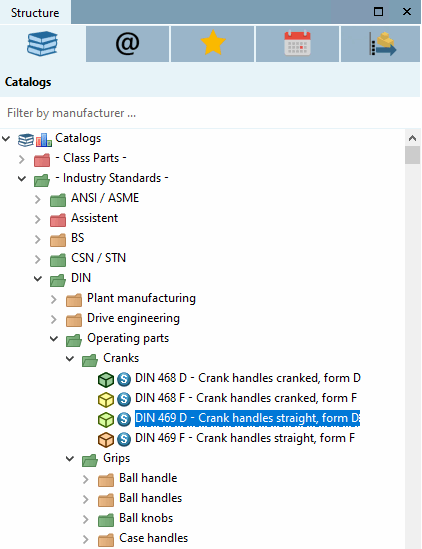
Status colors for catalog index
Define rules for the colors in which (any number of) directories and project symbols should be displayed in the PARTdataManager catalog index.[17]
Details can be found under Section 7.1.3, “ Display condition for part selection - Colored catalog index - plinkgroups.cfg -> Block [Role_name] -> Key "CONDITIONTREE" ”.