

The selection and settings within the 2D view dialog window form the basis for displaying the object in your CAD system.
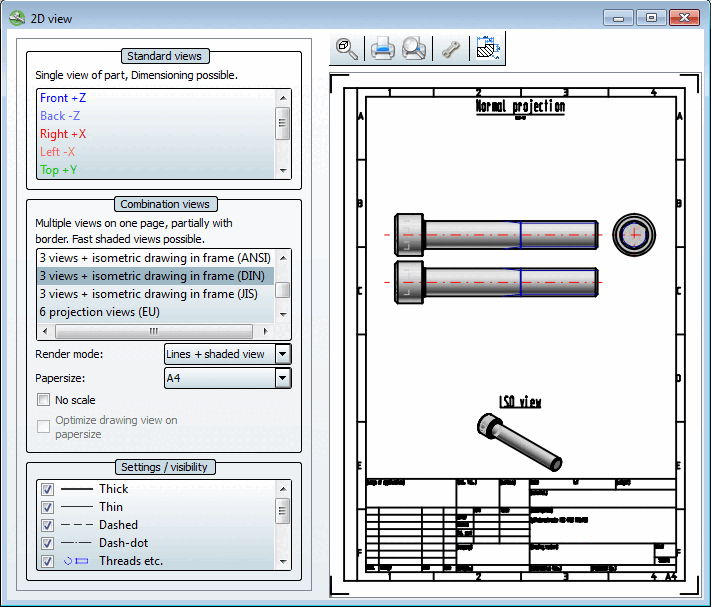
As soon as you click on a view, the 2D derivation of the part is created.
![[Note]](https://webapi.partcommunity.com/service/help/latest/pages/cn/partsolutions_user/doc/images/note.png) | Note |
|---|---|
The shaded display [Shaded view] option is an exception to the combination views [Combination views]. Here, the 2D derivation is only created if it is transferred to the CAD system. See Section 2.1.10.1.2, “ Combination views ”. | |
When all settings have been made, click  Transfer to CAD.
The settings area of the dialog page is subdivided as follows:
The individual areas are explained in the following sections.