On the Login Tabbed page, you can restrict the login, once under Allowed web login methods and once under Allowed client login methods.[28]
![Tabbed page "Login [Login]"](https://webapi.partcommunity.com/service/help/latest/pages/cn/partsolutions_user/doc/resources/img/img_8ba0716657e245b5950f328531f8784d.png)
Enter a domain (e.g. "CNS") or a host name (e.g. DE-AGB-NAME-01) in the Rule column.
Click in a field in the Databases column, open the list field with the options WINDOWS, ERP, OPENIDC, SQL,FILE andLDAP and activate the desired ones.
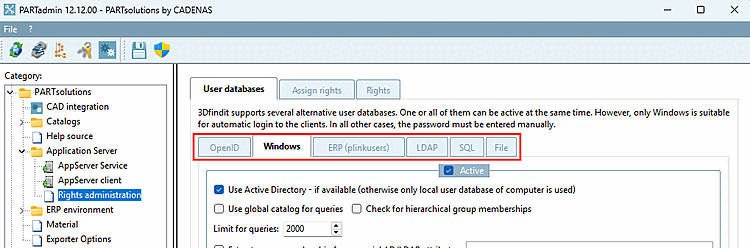
The options listed here are configured under the Rights management [Rights administration] category.