The Plugins Tabbed page refers to test meta as a whole. The plugins displayed in the classification list [Classification list] ( Tests tabbed page) only refer to the classifications.
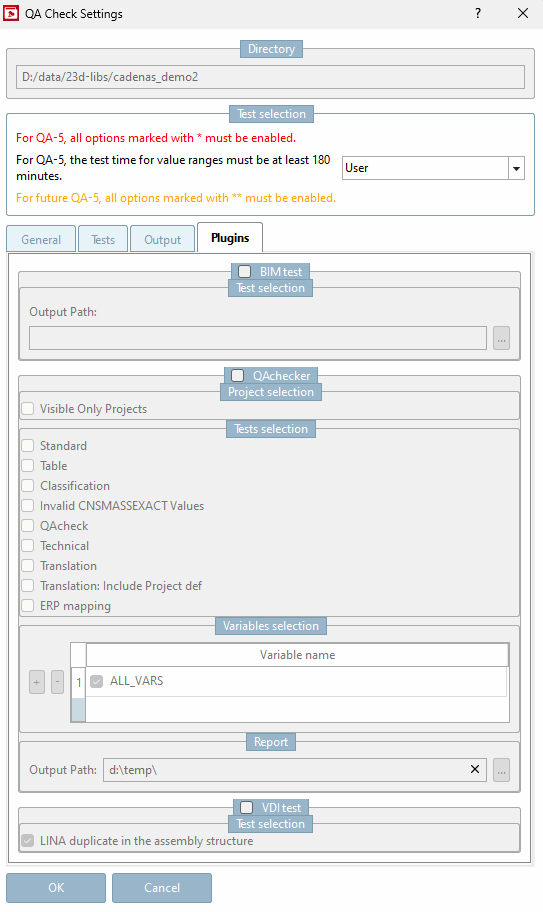
!["Classification list [Classification list] " on the " Tests " tab page](https://webapi.partcommunity.com/service/help/latest/pages/cn/partsolutions_user/doc/resources/img/img_049e58769d274e939b3d992cee121d8e.png)
The QAchecker can be used to selectively check certain aspects such as table, classification and translation.
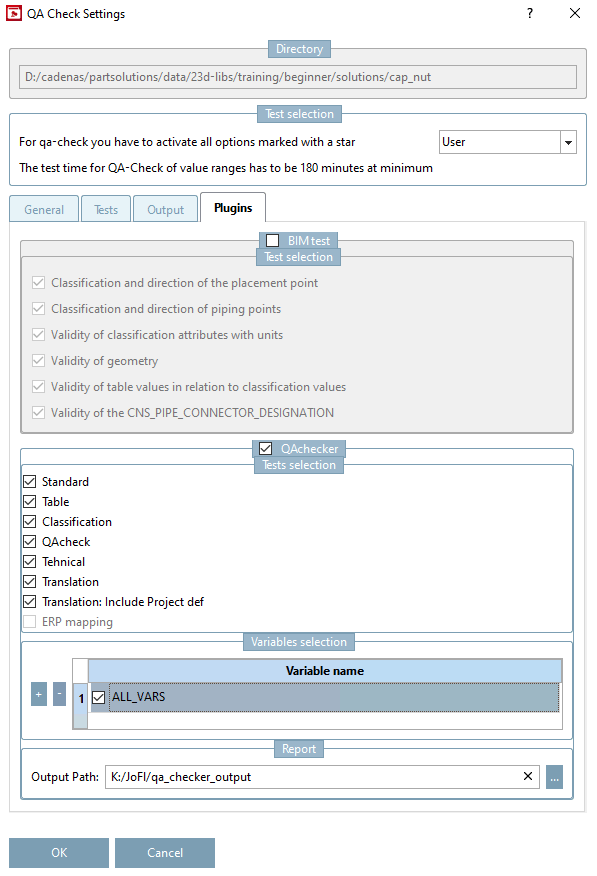
Activate the QAchecker dialog area and then the desired options.
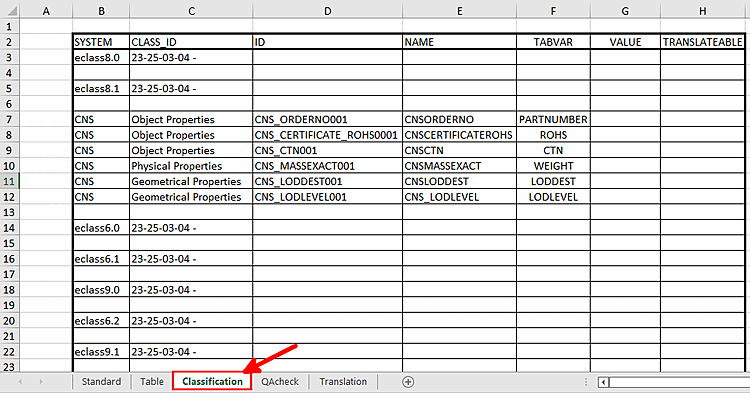
Specify the output path in the Report dialog area. The function writes an Excel file for each project, in which the corresponding values from the project are stored. The individual points are Excel tables, which may or may not exist depending on the selection.
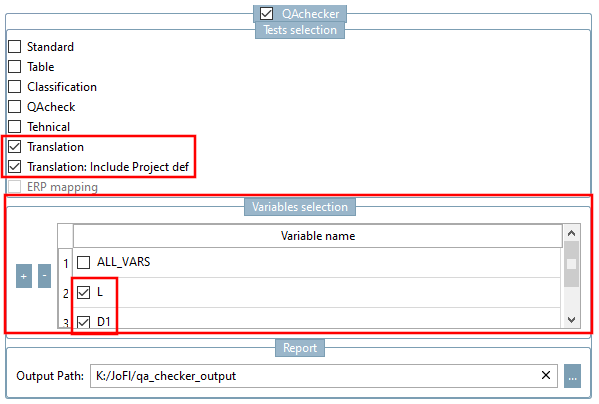
In the Variables selection dialog area, you have the option of restricting the selection to certain variables. Deactivate ALL_VARS and create the desired variables with the plus sign .
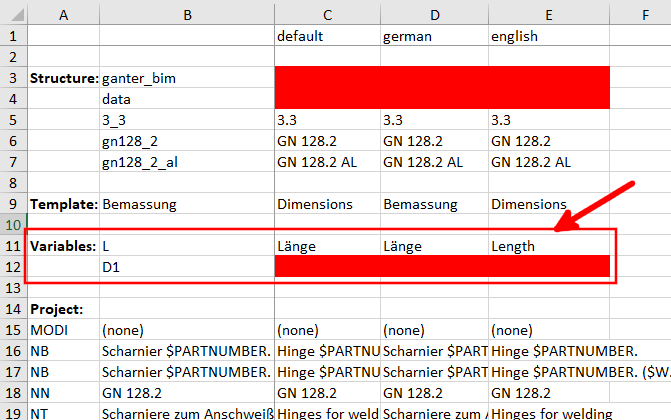
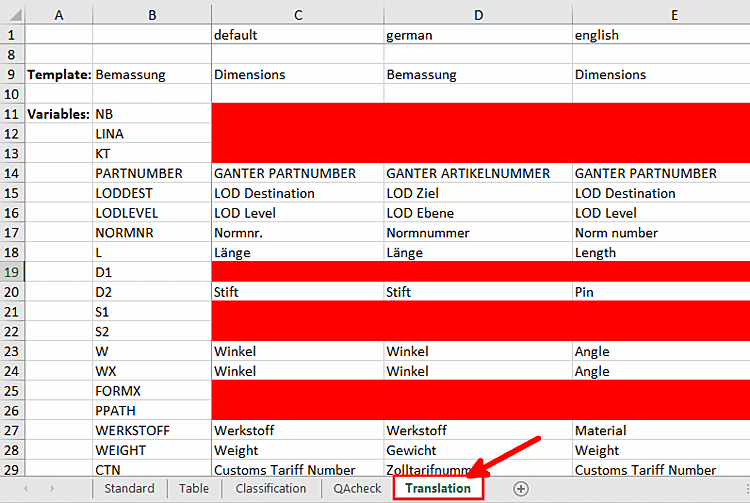
The Translation table now only shows the manually created variables in the Variables section.