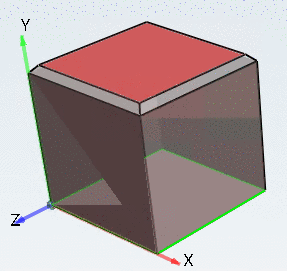
2.13.1.7.9.  Insert Chamfer/Fillet...

With V11 you don't have to create chamfers and fillets time-consuming in the sketch, but you work directly in the 3D view. So you can edit several edges in the same course.
Example:

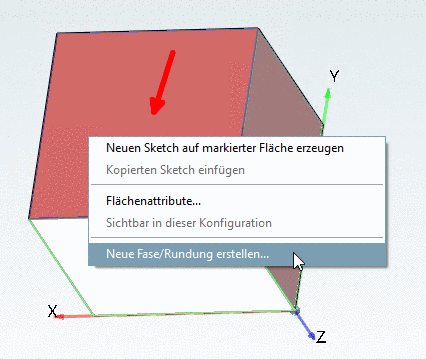
  1. Select the desired face and in the context menu of the face to be edited, click on New Chamfer/Fillet....

    New Chamfer/Fillet...

    New Chamfer/Fillet...

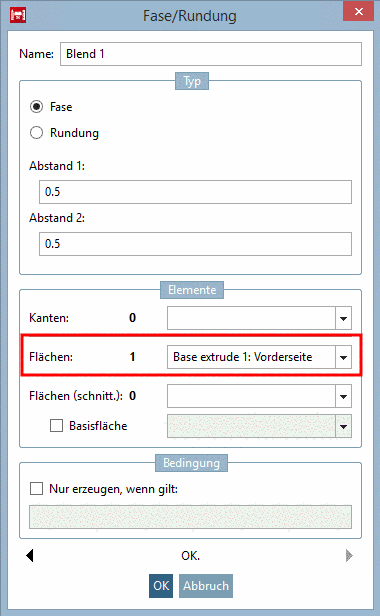
  2. In needed adjust the settings in the Chamfer/Fillet dialog and confirm with OK.

    Dialog: 1 Face selected

    Dialog: 1 Face selected

    -> All edges touching the face have been edited.

Currently supporting the Blend feature (chamfers/roundings): Creo Parametric, Creo Elements/Direct Modeling, Inventor, NX, Solid Edge, SolidWorks[34]
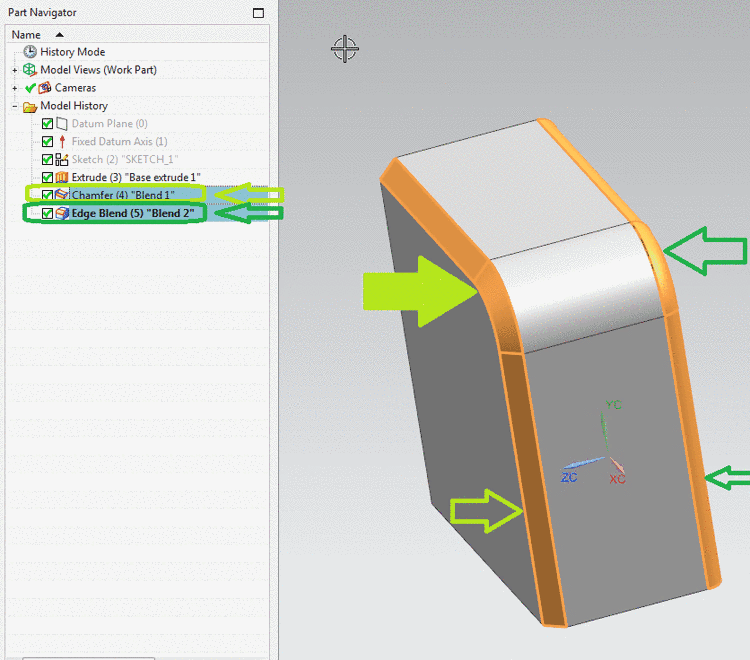
Example NX

Example NX

Details can be found under Section 7.6.2.10, “ Blend (Insert Chamfer/Fillet...) ” in eCATALOGsolutions Manual.


[34] Catia follows shortly.